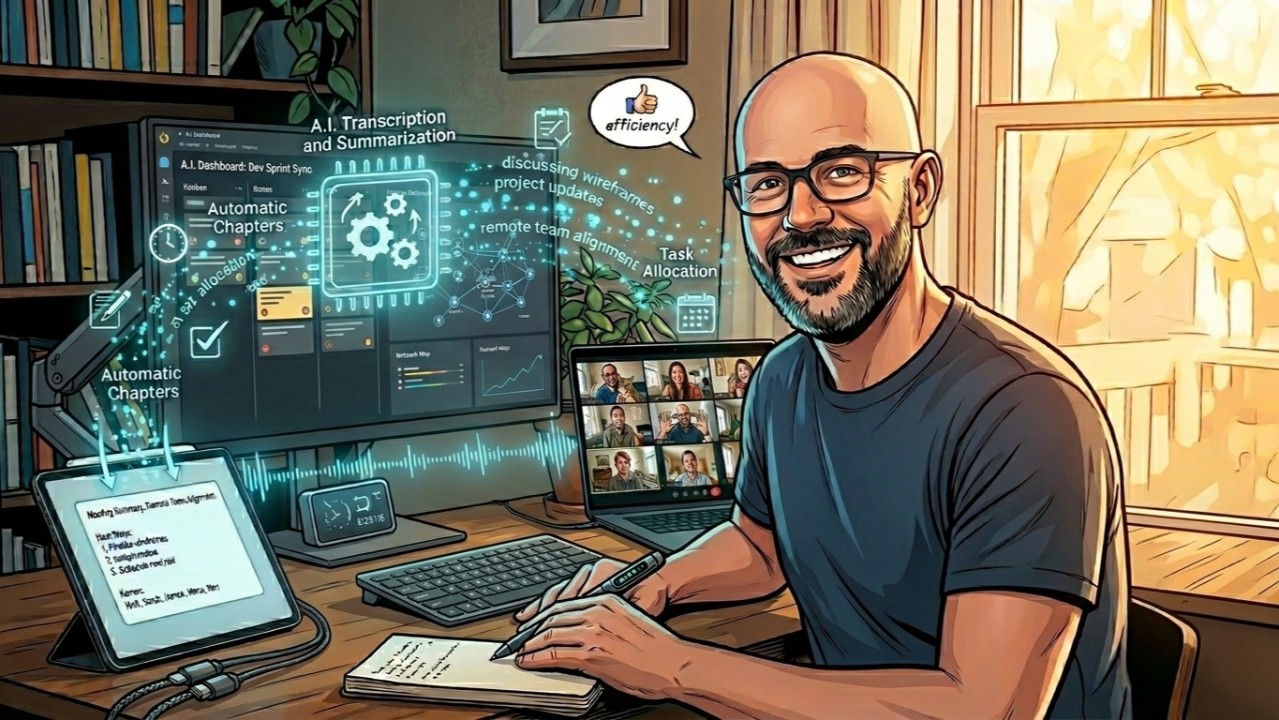
The problem is not Copilot, it is its three conditions
Copilot did not work for my meetings. Not because the tool is bad, but because my meetings do not follow its rules.
External guests with no Microsoft licence. Webex instead of Teams. Webinars where you are an attendee, not the organiser. One missing condition was enough to lock me out, and in a normal week of mine practically none of the three ever held.
There is also a fourth condition nobody talks about, and in a company it is the one that matters most: where does the meeting data end up. A meeting contains client names, numbers, suppliers, strategy. Sending that text to an outside service is a decision somebody has to justify, and in a regulated industry it is often a decision you simply cannot make.
So I stopped waiting for an update and built something that works regardless of who you invite, what platform they use and what licences they hold, and that sends nothing out. This is the story, from the first mistakes to the final architecture. The code is public, the link is at the bottom.
First attempt: a script that only worked on my machine
The starting point was simple: take the meeting recording, extract the audio, transcribe it, hand it to a model.
I wrote a Python script. It worked on my development environment. It did not work on the server. It did not work on Windows. It stopped working the moment I changed Python version.
The classic problem: implicit dependencies, native libraries behaving differently per operating system, CUDA required where there was no GPU at all. Faster-Whisper, Pyannote, ffmpeg, each with its own expectations about the environment.
The fix was not to chase the dependencies one by one. It was to isolate the environment once and never touch it again.
Docker, and the decision to stay on CPU
I put everything inside a Linux container. Dependencies become a problem for the Dockerfile, not for the host.
The important call at this stage was a different one: CPU only.
Faster-Whisper runs well on CPU with the large-v3 model. It is slow on very long files, but it is stable. No CUDA dependency, no trouble on machines without a graphics card. When you are building something that has to run in production with nobody watching, stability is worth far more than speed.
Same reasoning for Pyannote (speaker-diarization-3.1), which works out who is speaking: also on CPU, no GPU required.
The container took the video over an API, pulled the audio with ffmpeg, transcribed it and identified the speakers. Out came a transcript with who said what. It worked. It was slow on long files. But it worked.
The flaw in the batch version: three gigabytes reloaded on every request
The batch version had a structural flaw: on every request the models were loaded into memory from scratch.
Faster-Whisper large-v3 is around 3 GB, and Pyannote adds its own. Every call paid the loading cost before it even started transcribing.
The answer was to keep the models in RAM between calls. I rewrote the whole thing as a FastAPI microservice using the lifespan pattern:
@asynccontextmanager
async def lifespan(app: FastAPI):
    # startup: models load exactly once
    app.state.whisper_model = WhisperModel("large-v3", device="cpu")
    app.state.diarization_pipeline = Pipeline.from_pretrained(...)
    yield
    # shutdown: cleanup

app = FastAPI(lifespan=lifespan)
The models load when the container starts and stay in memory. Every call after that begins immediately.
Trivial in theory, not obvious when you get there: this pattern is in the FastAPI documentation, but you only really understand it after an hour of watching every single request pay the cold start.
The analysis: why a local LLM and not an API
I had the transcript. What I needed was the analysis: summary, action items, participants. The choice was between an external API and a local model.
I went local for one specific reason, and it is probably the same one that brought you here: meetings contain sensitive data. Clients, suppliers, strategy, numbers. With a local model that data never leaves the machine, and there is no conversation to have with the client, with legal or with whoever owns data protection.
I split the analysis into a second container, LLM Engine, which talks to the Audio API over HTTP on the internal Docker Compose network. No ports exposed to the outside for the traffic between the two.
Why Qwen 2.5 3B via Ollama
Small models, one to three billion parameters, have real limits on complex analysis. But here the task is structured: given this transcript, produce a summary, action items and participants as JSON. For a task like that a 3B model with a well built prompt is enough.
Qwen 2.5 3B on Ollama runs on consumer CPU in acceptable time, and the production server has no GPU. Configuration to squeeze the throughput:
OLLAMA_NUM_PARALLEL=4
OLLAMA_MAX_LOADED_MODELS=1
Long meetings: Map-Reduce
An hour of meeting produces a transcript that comfortably exceeds the context window of a 3B model.
The transcript is split into ten thousand character chunks. Each chunk is analysed in parallel, behind a concurrency semaphore of three so Ollama is not saturated. The partial results are then aggregated into a final report.
Transcript (50k characters)
   |-- Chunk 1 (10k) --> partial analysis
   |-- Chunk 2 (10k) --> partial analysis  --> Reduce --> Final report
   |-- Chunk 3 (10k) --> partial analysis
   |-- ...
It is not the most elegant solution. It is the one that works with a local 3B model on CPU.
The final architecture
Video input
   |
   +--> Audio API (container 1)
   |      |- ffmpeg: audio extraction
   |      |- Faster-Whisper large-v3: transcription (CPU)
   |      +- Pyannote 3.1: speaker diarization (CPU)
   |
   +--> LLM Engine (container 2)
          |- Qwen 2.5 3B via Ollama
          |- Map-Reduce: 10k chunks, concurrency 3
          +- JSON output: summary, action items, participants
                 |
                 +--> Make webhook --> Telegram notification
Main Audio API endpoints:
| Endpoint | What it does |
|---|---|
POST /api/v1/process | Full pipeline, from video to report |
POST /api/v1/transcribe-only | Transcription only, no analysis |
POST /api/v1/summarize-only | Analysis on a transcript you already have |
GET /api/v1/recover-final-report | Report recovery from partial logs |
The output is JSON, so it plugs into Power Platform, a CRM or any internal workflow with no extra work.
What I would do the same, and what I would not
The same:
- Docker from the start, not as a fallback once the dependencies blow up
- CPU only as a stability decision, not a cost one
- Two separate containers: splitting Audio API and LLM Engine made both debugging and upgrades simple
- The FastAPI
lifespanpattern, trivial to write and essential for performance
Differently:
- Map-Reduce works, but it produces partial analyses that occasionally contradict each other during the aggregation step. With more time I would try a larger model, or chunking by topic rather than by size
- The hardcoded paths in the original code were a problem. I fixed them before publishing, but they should never have been there
The result
A tool that works on any meeting and any platform, without depending on anyone else's licence and without the content leaving the machine.
I used it internally for months before publishing the code, and the use cases I had not anticipated turned up on their own: meetings where I was only an attendee with no access to the organiser's tools, technical webinars I wanted action items out of, calls with guests who simply do not have a Microsoft account. All outside Copilot's boundaries, all inside this one's.
The code
The project is public on GitHub: holtibitri-arch/AI-Meeting-Assistant. It ships with a README, setup instructions and the Docker Compose configuration. If you try it and something breaks, write to me.
Frequently asked questions
Can you transcribe a meeting without sending the audio to the cloud?
Yes. Transcription, speaker recognition and analysis all run in local containers: Faster-Whisper for the text, Pyannote for the speakers, an LLM served by Ollama for the summary. The two containers talk over an internal Docker Compose network and expose no ports to the outside, so the audio and the transcript never leave the machine.
Do you need a GPU to run Whisper and Pyannote?
No. Faster-Whisper large-v3 and Pyannote speaker-diarization-3.1 both run on CPU. It is slower on long files, but it is stable and it does not depend on CUDA, which on a server with no graphics card is the first reason a pipeline like this fails to start at all.
How is this different from Microsoft Copilot for meetings?
Copilot needs three conditions at once: that you are the organiser, that every participant holds a licence, and that the meeting runs on Teams. Miss one and you are out. A local pipeline works from the recording, so it does not care who organised the call, which platform was used or what licences the others hold.
How do you analyse an hour-long meeting when the model has a small context window?
With a Map-Reduce: the transcript is split into ten thousand character chunks, each chunk is analysed in parallel behind a concurrency semaphore of three so Ollama is not saturated, and the partial results are then aggregated into a single report.
Why a three billion parameter model rather than something larger?
Because the task is structured, not creative: given this transcript, produce a summary, action items and participants as JSON. For a task like that a 3B model with a well built prompt is enough, and it runs on CPU in acceptable time on a server with no GPU.
Does it work with Teams, Zoom and Webex?
Yes, because it does not hook into the platform: it starts from the recording. Any system that produces a usable audio or video file will do, and that is exactly why it exists.

Holti Bitri
CTO & AI Innovator, TIG Factory. Nearly 20 years in the Microsoft ecosystem, today between cloud architectures, AI pipelines in production, and the craft of knowing when a model is wrong without telling you. LinkedIn · holtibitri.com